
Fast answer
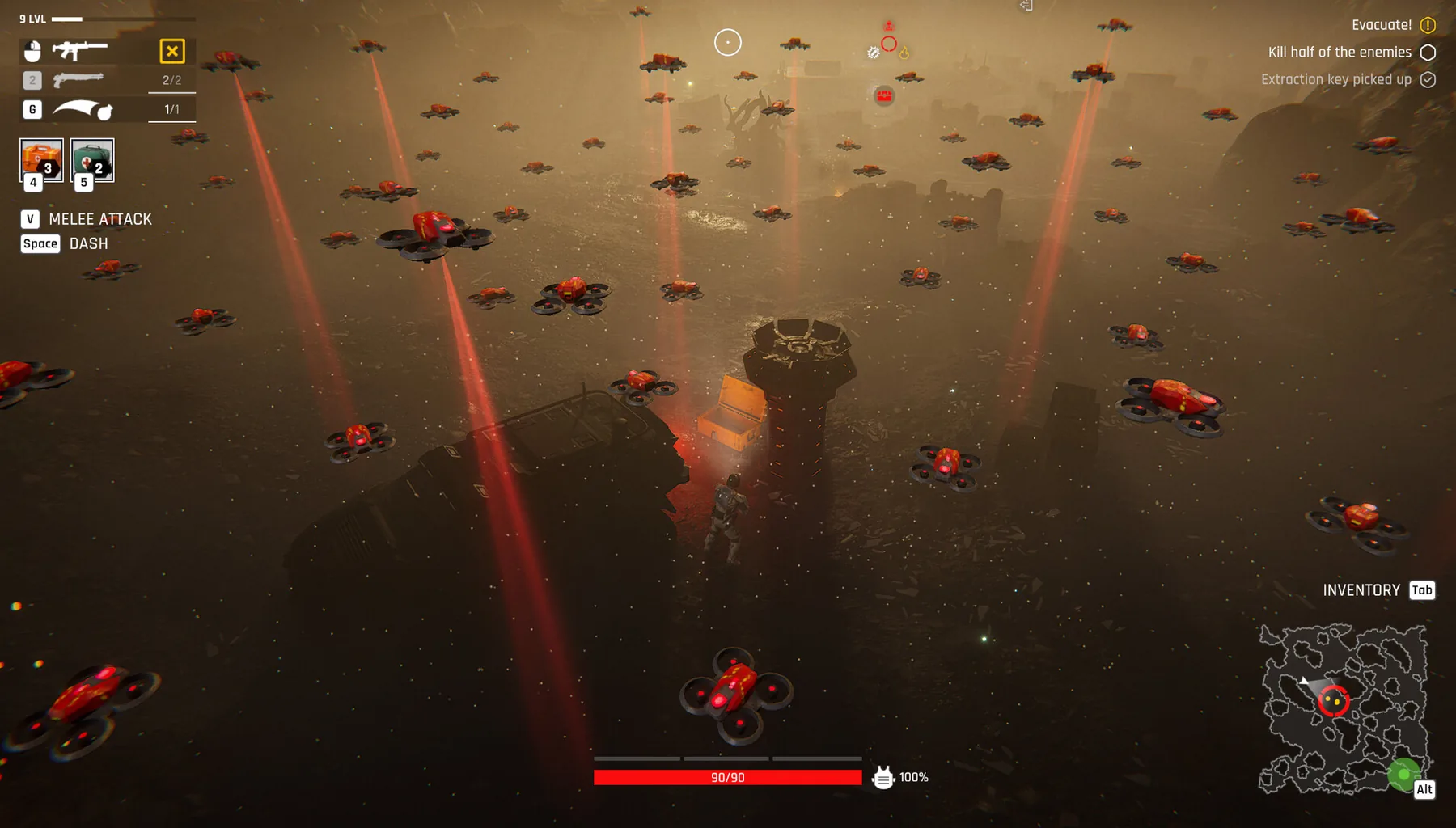
The official description confirms ballistic, plasma, laser and experimental weapon families. In demo footage, the workshop displays a burst rifle, sniper rifle and ammunition options, subject to resource and staffing requirements. Check the live stats and crafting queue before choosing a weapon.
Weapons confirmed in source material
The official demo description names ballistic, plasma, laser and experimental equipment. A recorded workshop menu also shows burst rifle and sniper rifle options. Do not confuse these examples with a complete item database; item availability and balancing can change between the demo and Early Access.
- Inspect the current item card for damage, handling and requirements.
- Check ammo availability as part of the weapon decision.
- Verify whether you can craft or only buy the desired item.
A weapon choice that survives patch changes
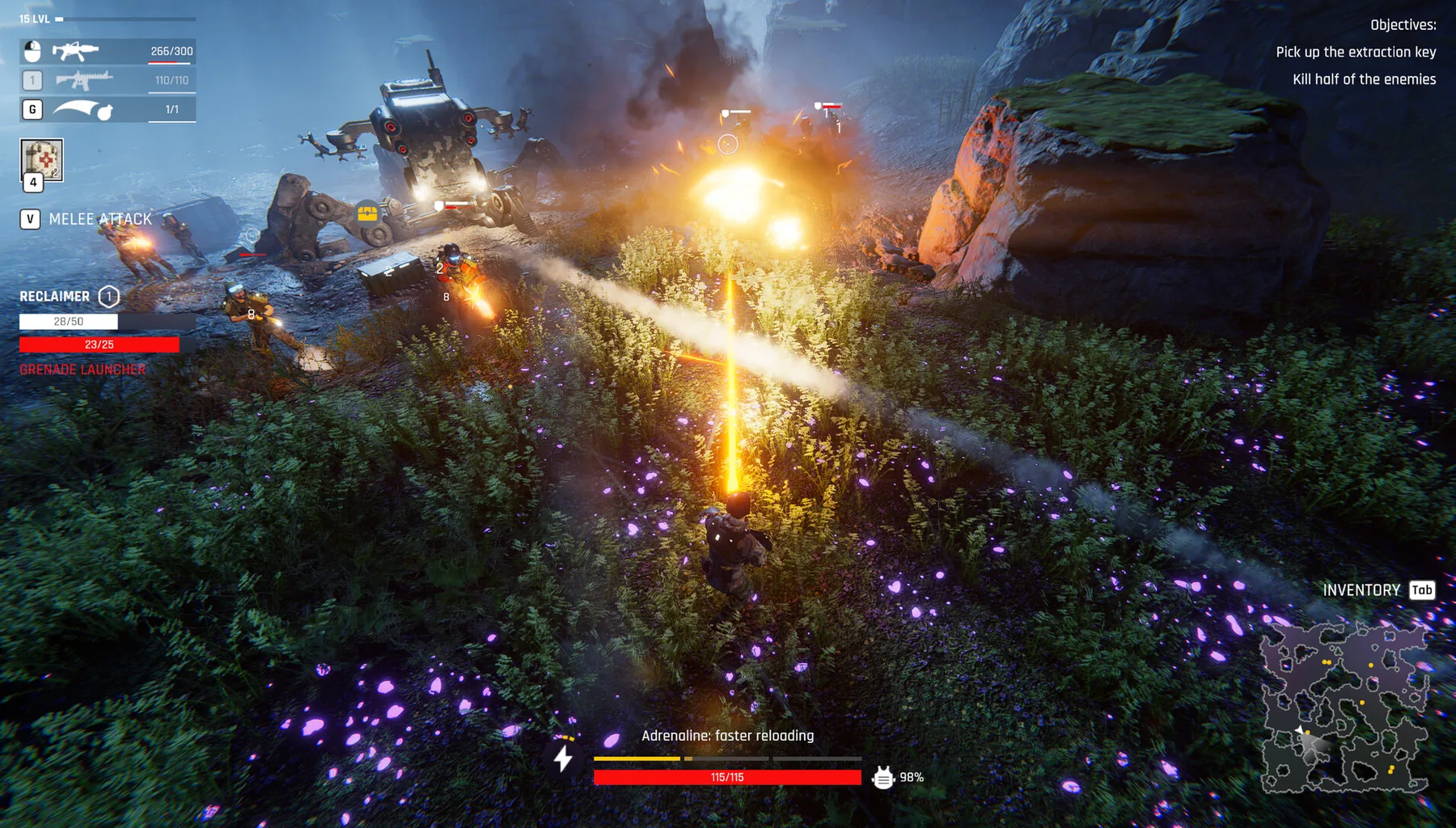
A weapon is only useful if the selected fighter can actually bring it into the next raid and sustain its ammo demand. Start with the loadout you already have. Replace the item only when the new one solves a problem you can name.
- Range problem: compare available options for the environment you are entering.
- Ammo problem: inspect crafting and supply before committing to a loadout.
- Survivability problem: look at protection and recovery before purely upgrading damage.
Workshop craft troubleshooting
DaOpa’s recorded workshop visit shows a staffing-dependent craft interface and a visible “not enough resources” block for an item. If a recipe is greyed out, inspect both the material requirement and assigned staff rather than guessing a hidden unlock.
- Open the workshop and read the recipe prerequisites.
- Check the assigned worker and the item queue.
- Collect resources through a suitable raid, then return to the same panel.
Update 0.0.0.779 weapon and skill buffs
Official notes for 0.0.0.779 (September 24) buffed four skills — Shotgun Master, Energy Weapon Master, Volatile Powder, Flammable Gases — and two weapons, Burr Launcher and Laser. Weapon effects that explode on the target, and vampirism on attacks from behind, were also buffed. Enemies killed by a melee attack no longer explode when the weapon has that effect. The same patch added tutorial hints about reanimating fallen characters, fixed the Gym leveling quest, hid the transport mech platform and black-tent roof from the third-person camera, and added a DirectX 11 launch option for unstable DirectX 12.
- Re-test Shotgun Master, Energy Weapon Master, Volatile Powder and Flammable Gases on the current build; pre-779 numbers are out of date.
- Re-test Burr Launcher and Laser before copying a pre-779 loadout.
- If DirectX 12 is unstable, launch with DirectX 11 from the new option.
October weapon notes: launcher buffs and new enhancements
Update 0.0.0.787 (September 30) buffed the Grenade Launcher, Burr Launcher and Laser again after the 0.0.0.779 pass. The October 15 Major Update added new weapon enhancements — chaining projectiles and an ignition chance — that grow with the number of kills you land before the next reload.
- Re-test the Grenade Launcher, Burr Launcher and Laser; pre-September numbers are out of date twice over.
- Keep a kill streak going before reloading to push chaining and ignition effects higher.
See the actual demo in action
Gear and crafting menus · DaOpa · footage sourced from a publicly available creator video. The video is embedded from YouTube rather than copied into this site.
Official screenshots and source material
For exact menu positions, current item statistics and real in-game appearance, use the developer's official media and game footage. These links open the original material; community artwork is not republished here without permission.